Running the Program
Using the dotnet run Command
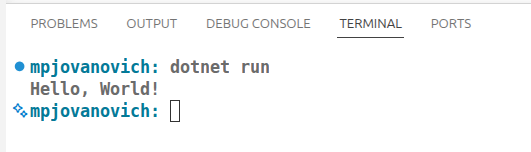
To run the program use the dotnet run command in the terminal.
If the project is not already built, this will also build the project first; so you do not typically need to explicitly build the project before running it. We showed this in the previous section to make you aware of what the build system is doing.
You should now see the output of the program in the terminal underneath the command that you entered. This is where the Console.WriteLine statement is sending its output.
Making our First Change
Let's make an adjustment to the Program.cs file. You're probably tired of seeing "Hello, World!" by now. Let's remove the comment on the first line and change the argument to the Console.WriteLine statement.
Now run your program again using the dotnet run command in the terminal.
Your new output should appear in the terminal.
Clearing Terminal Output
Use the clear command to clear the terminal output between program builds and runs.