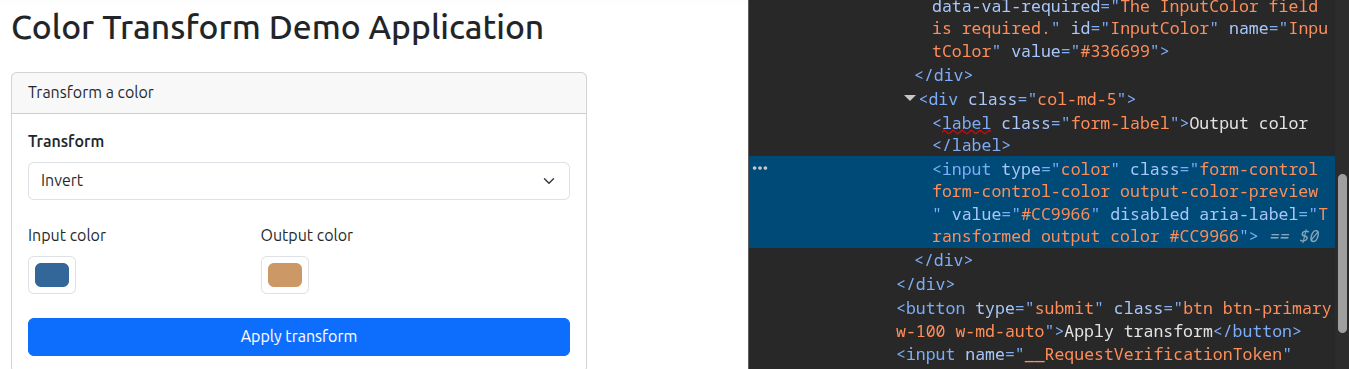
Stepping through the Test
In VS Code, set a breakpoint on the line with:
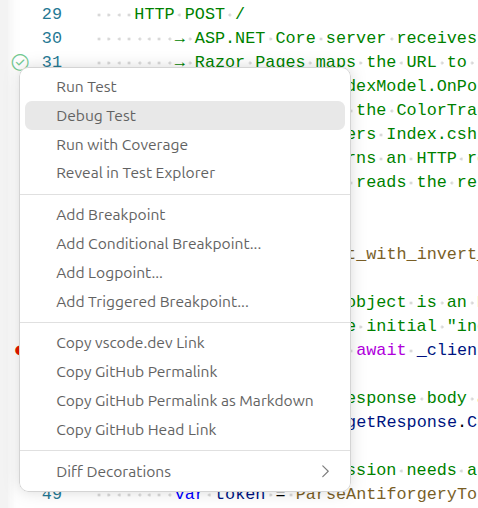
Then right click on the green bubble in the margin near the test name and select "Debug Test". This will allow the breakpoint to be hit. Simply running the tests with the "Run Test" or the 'dotnet test' command will not rig the program up to the debugger.
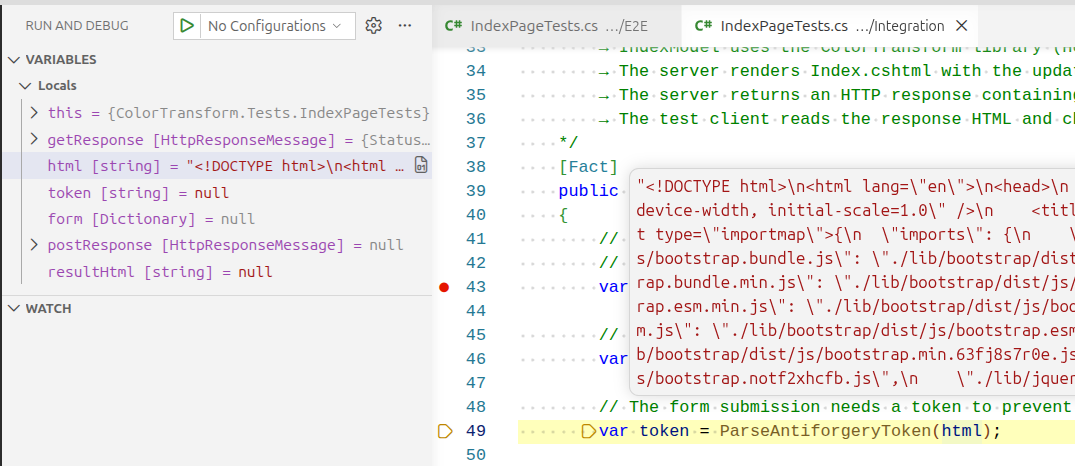
After the breakpoint is hit, use the "Step Over" command in the debugger control panel to move forward a couple of lines.
You will see that the code did in fact receive an HTTP response from the in-memory server. The HTML from this response is shown in the "html" variable.
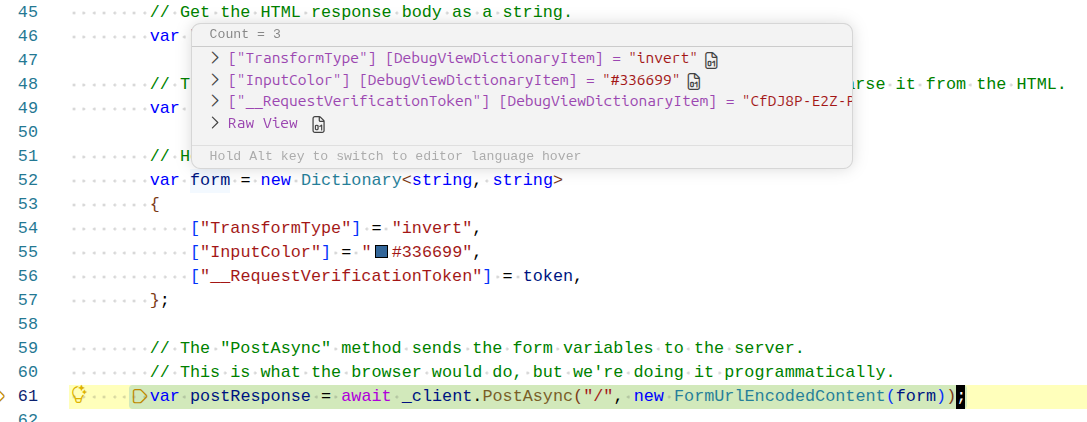
After a few more lines, the token has been extracted from this HTML, and the form variables have been assembled into a Dictionary. They are ready to be sent to the server using an HTTP POST request.
We get another HTTP response back from the server and convert the result HTML into a string.
After this we are finally ready for our "Assert" step. If you examine the resultHtml string you will see that it contains the hex value of the transformed color.

This matches the same expected output color that we would get if we ran the application ourselves, and clicked the "Apply transform" button.